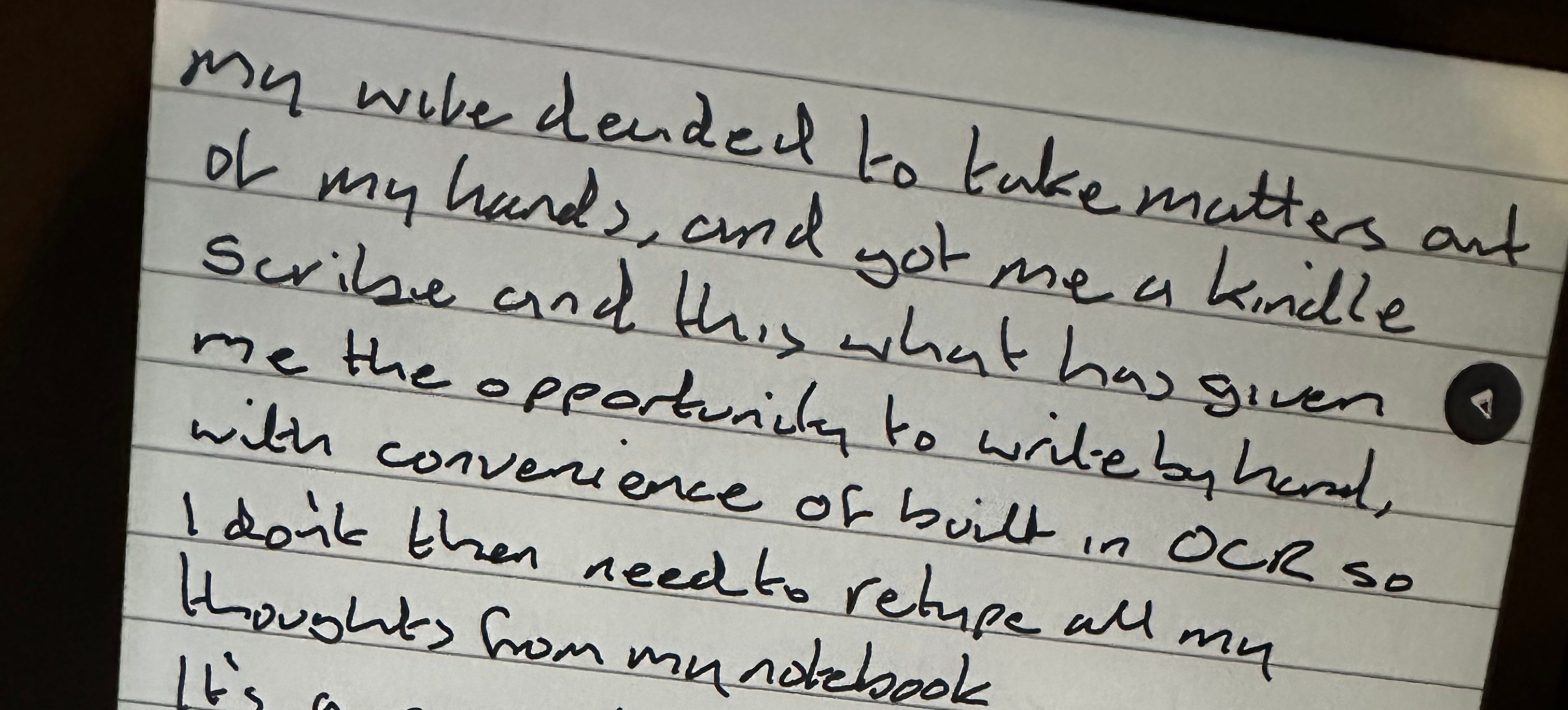
Now that the holidays are here, I finally have time to write a blog, but this one’s a little different.
Why?
Well this is the first post I’ve written by hand for years!
When I first started writing I used to write with a pen into a notebook. I find the act of sitting and writing with a pen onto paper helps me think more creatively. It’s also a very therapeutic activity. I can sit and write on the settee in my living room with soft lighting. As opposed to being perma-chained to my desk and office…
What has changed then?
Well, I’ve been coveting an e-writer like a Kindle Scribe or reMarkable for well over a year. I nearly bought one in the Black Friday sales in 2024. However, they are not a cheap purchase, and I really wasn’t sure how I would get on with the technology.
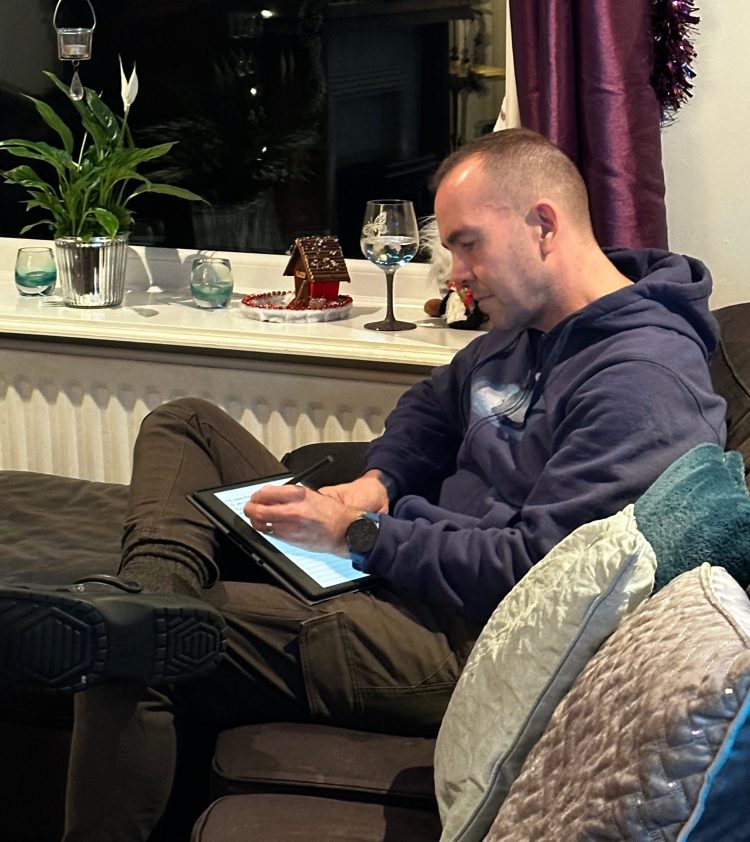
But, with this year being my 50ᵗʰ birthday, my wife decided to take matters out of my hands and bought me a Kindle Scribe. This is what has given me the opportunity to write this blog by hand – or at least the initial draft.
The Kindle Scribe has the convenience of built in OCR so that I don’t need to transcribe all my thoughts from notebook to computer, I simply tap ‘share’ and then ‘convert to text’ and it sends me an email. And amazingly, the OCR can even decipher the incoherent unintelligible scrawl that led my school careers advisor to suggest I should perhaps consider a career as a doctor…
For me, it really is a game changer.
As mentioned above, I was pretty sceptical about how good it would be, but my first impressions are very very good. For a start, this is not like using an e-pen on a normal tablet. Its a much more nuanced experience than that. The screen and the pen are clearly optimised to make the writing experience feel as close to a real pen and paper as possible. This leads to a very enjoyable writing experience.
You can even lean on the ‘paper’ with your hand while you write, just like you would with a real notebook. As a lefty, there’s no ink smudging to worry about and you can set up the menu bar on either side of the screen too which makes it convenient regardless of which hand you write with.
I’ll let you know how I get on with it over time but my initial impression is very good, hence this blog! In the meantime, have a great Christmas and enjoy the holidays.

